Task Management Software for UK Accountants
Every deadline, owner, checklist and hour in one workspace. Explore the twelve ways practices run compliance work in Remindoo.
Remindoo is practice management software for accountancy firms. Its task management module turns client compliance work into tasks with an internal and a statutory deadline, named owners, recurring schedules, subtasks with checklists and a timer, so a practice can see every job in one workload.
Last updated: 16 September 2026 · Reviewed by Waqas Sagar ACA FCCA, Founder of Remindoo and Managing Director of Accotax
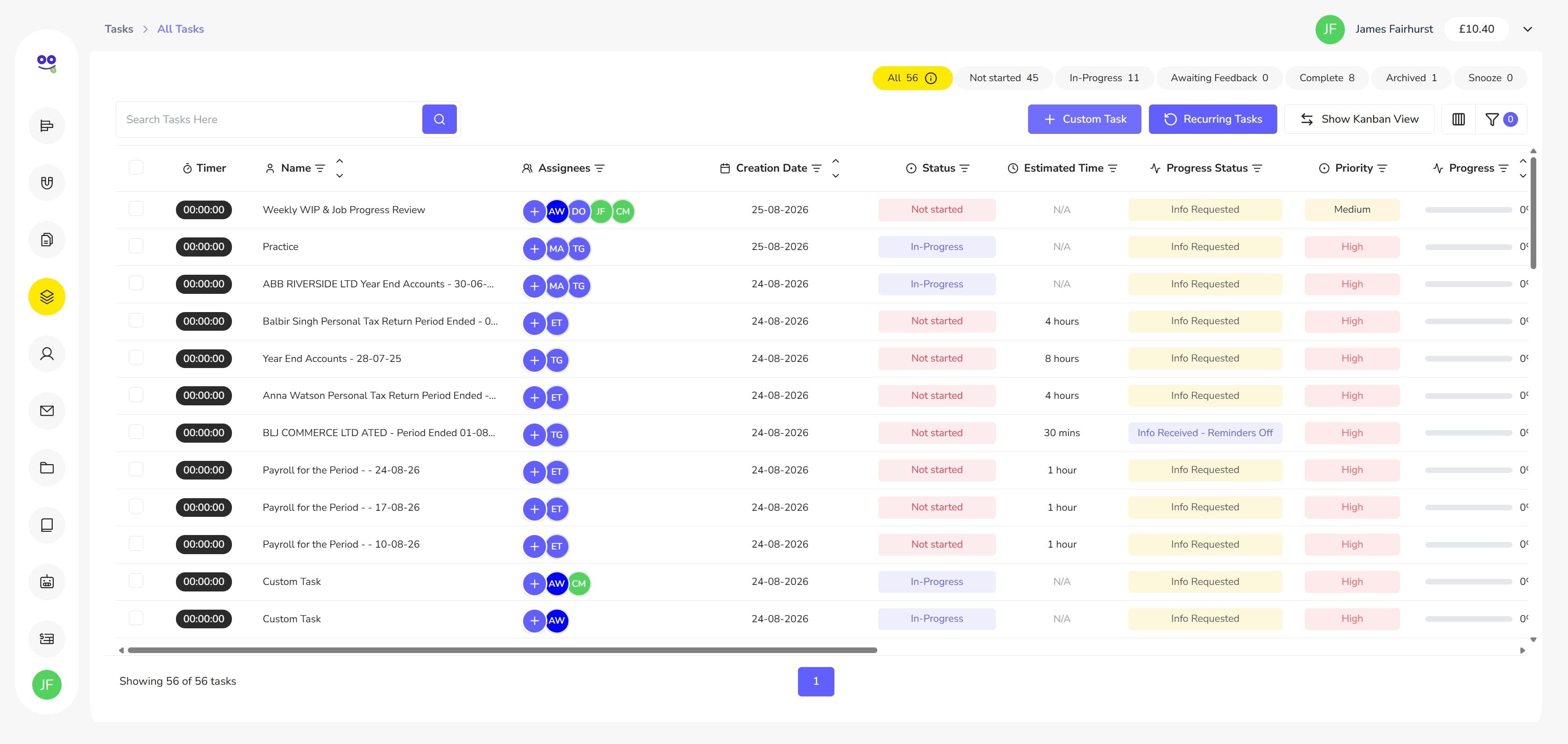
Create Client Tasks with Deadlines and Owners
Set up quick, detailed and recurring jobs with every compliance field in one form.
Recurring Tasks for Accountancy Practices
Put payroll, quarterly and annual compliance cycles on autopilot.
Assign Work to Staff and Teams
Give work to a whole team or a named individual in one selection.
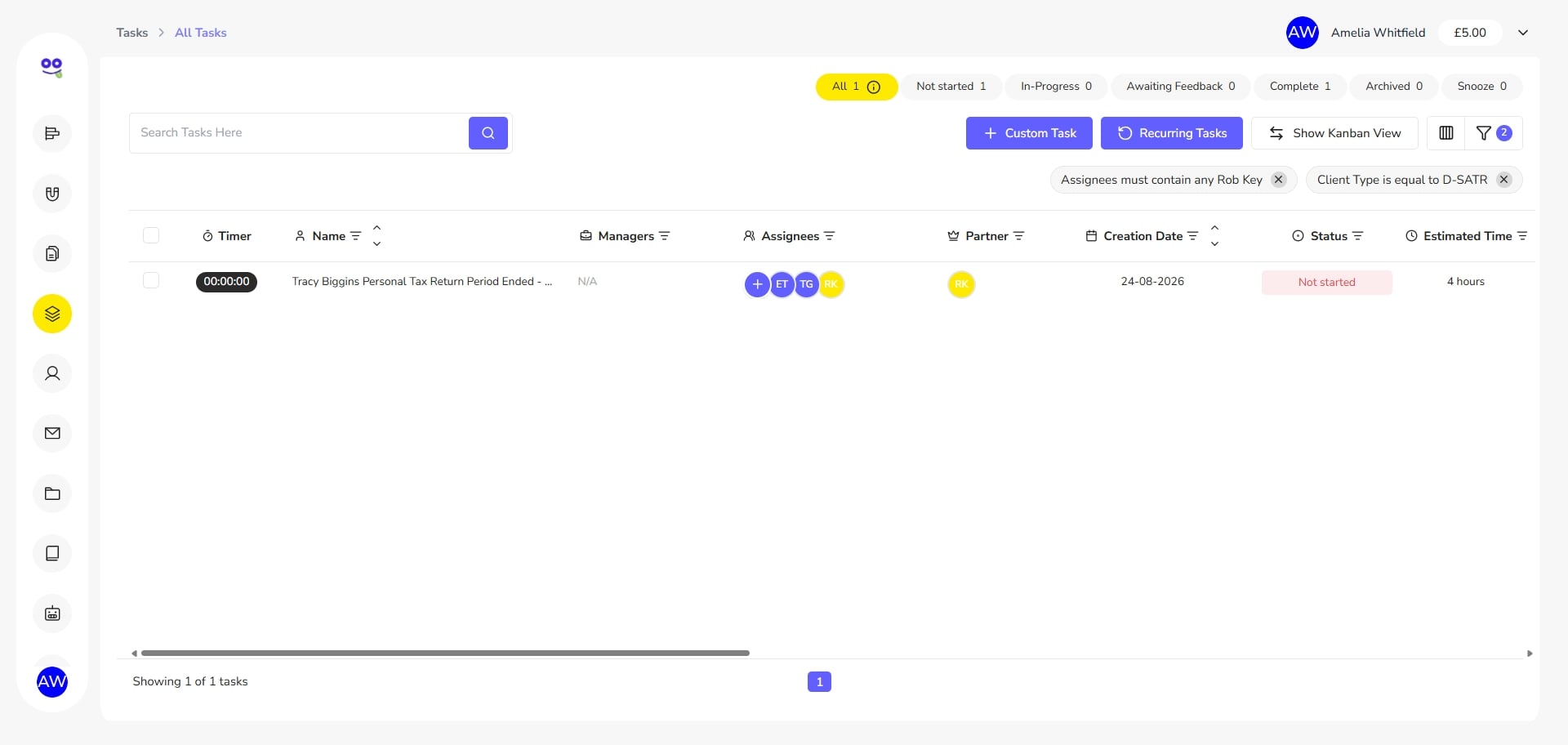
Reassign Client Work in Seconds
Hand a job to another person or team without leaving the screen.
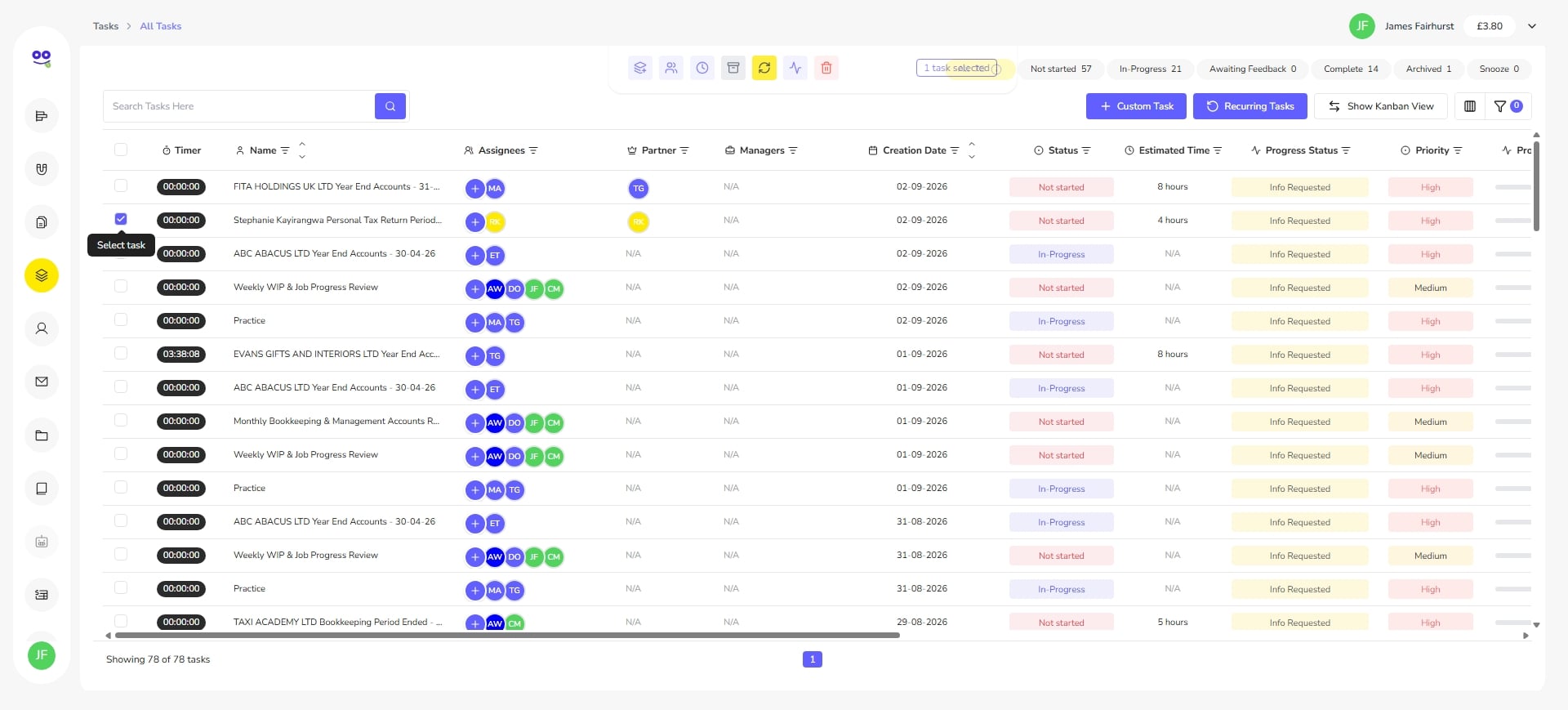
Bulk Assign Tasks to Staff and Teams
Allocate a whole batch of jobs to one owner or team in a single save.
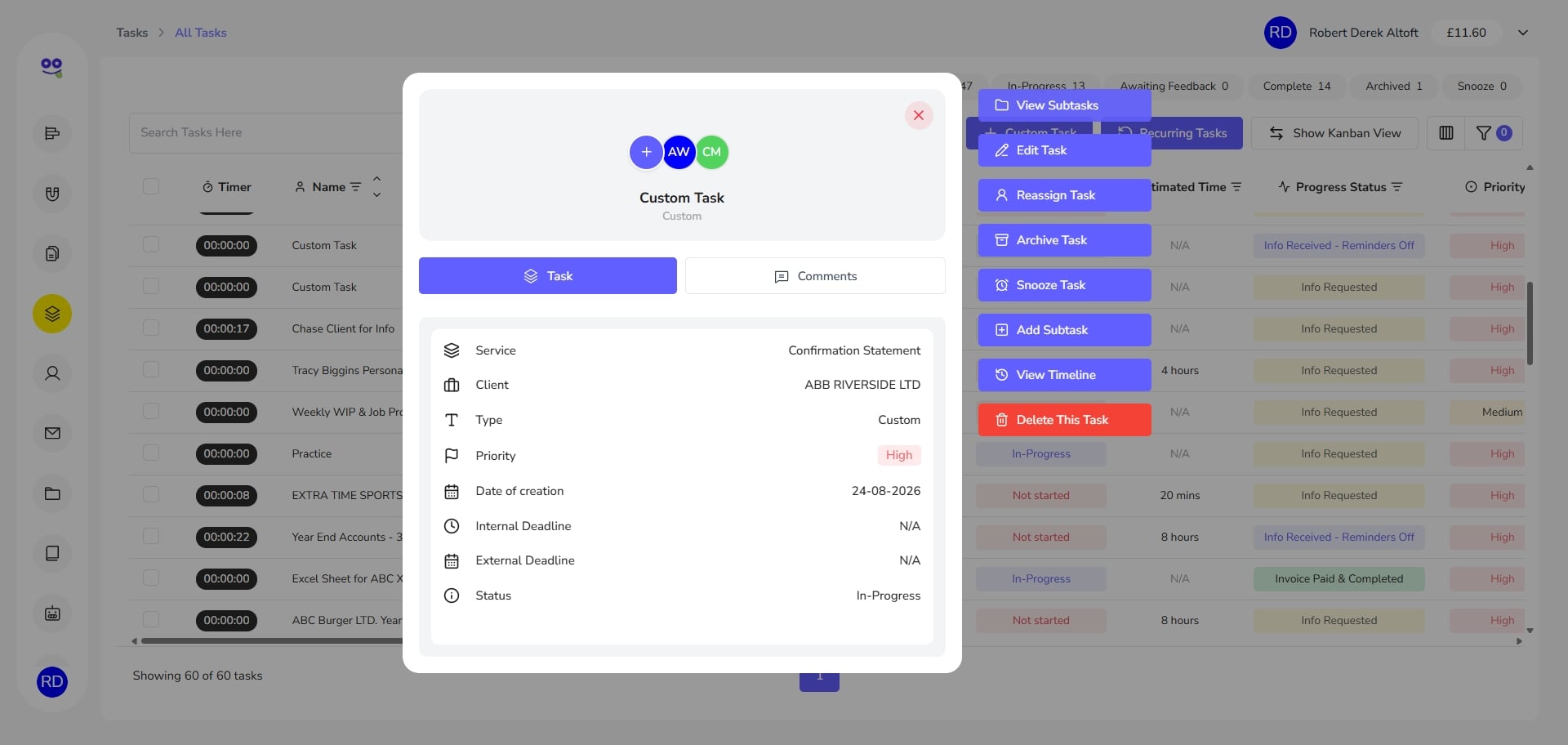
Subtasks and Checklists for Accounting Work
Split large jobs into subtasks with deadlines, estimates and checklists.
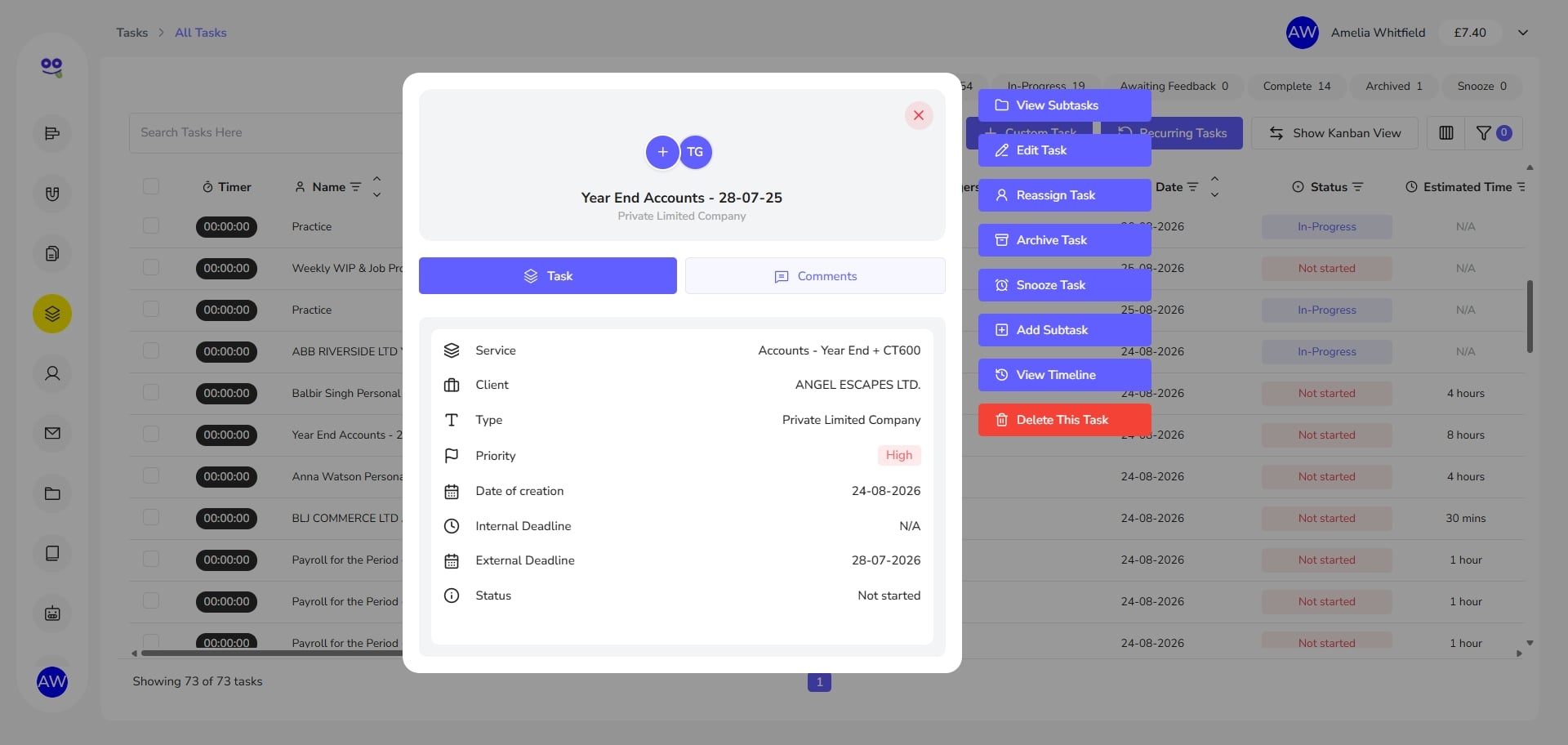
The Task Card: Comments, Checklists and Timeline
Comments, replies, checklists and a full audit timeline in one place.
Time Tracking on Tasks and Subtasks
Start a timer on any job and log hours against it in one click.
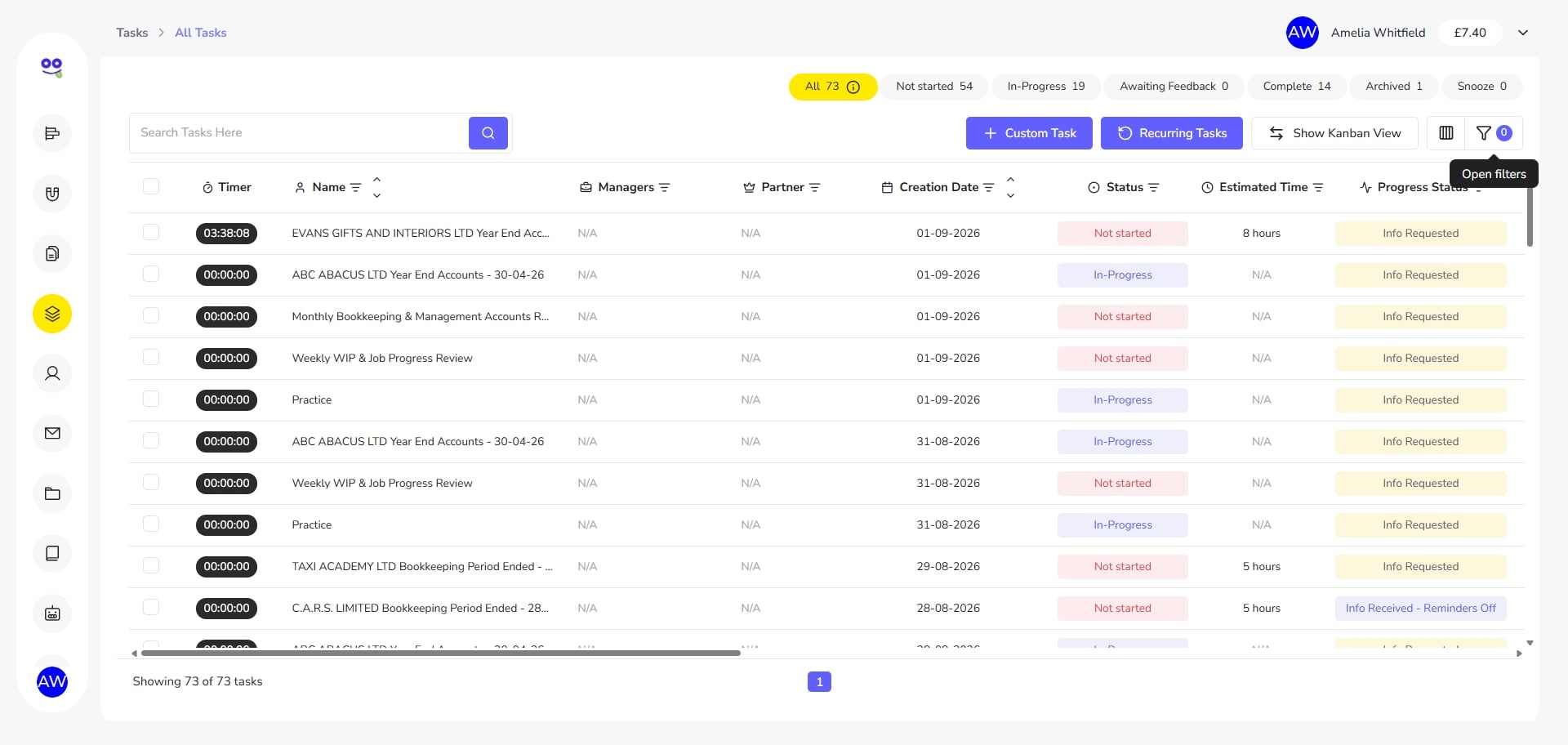
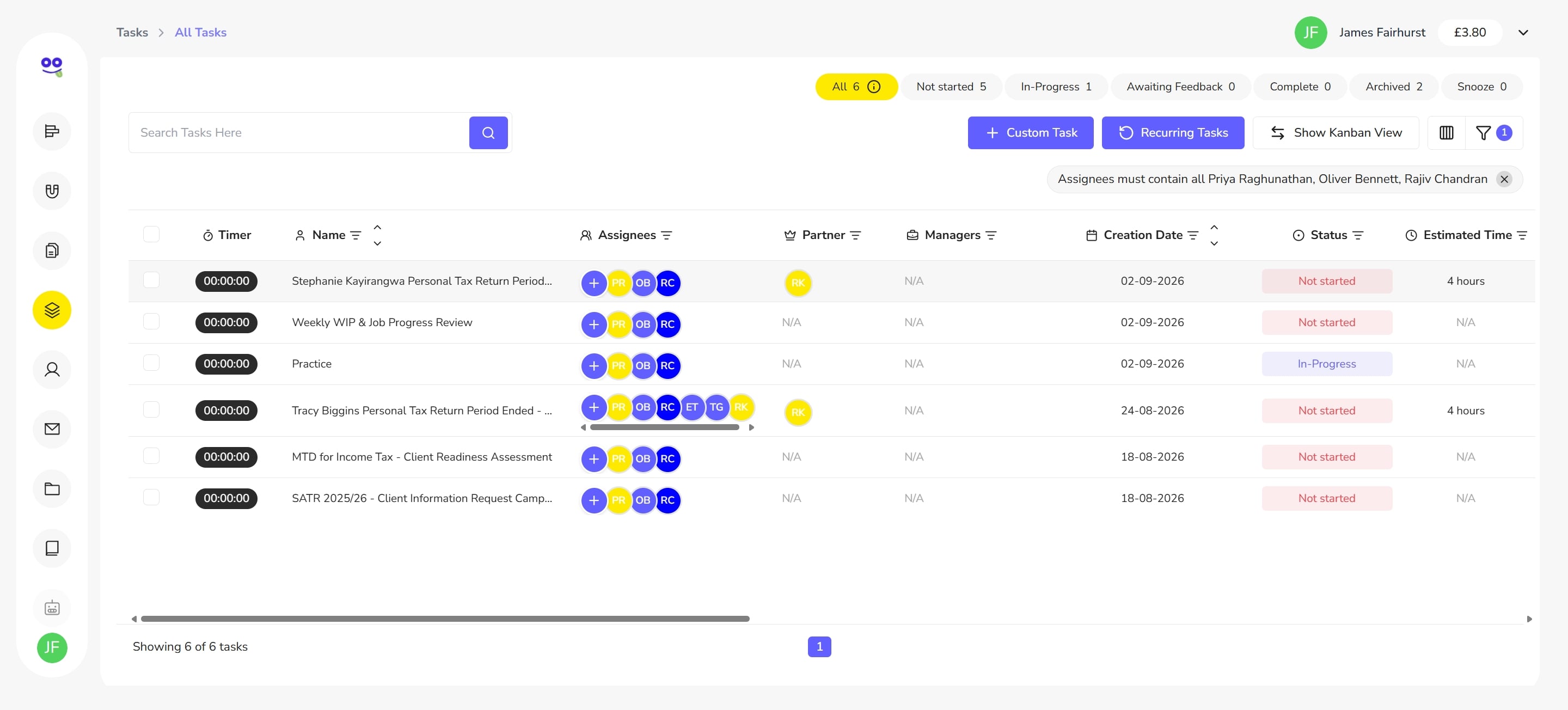
Filter Tasks by Staff, Client Type and More
Filter by assignee, client type, dates and more to focus the list.
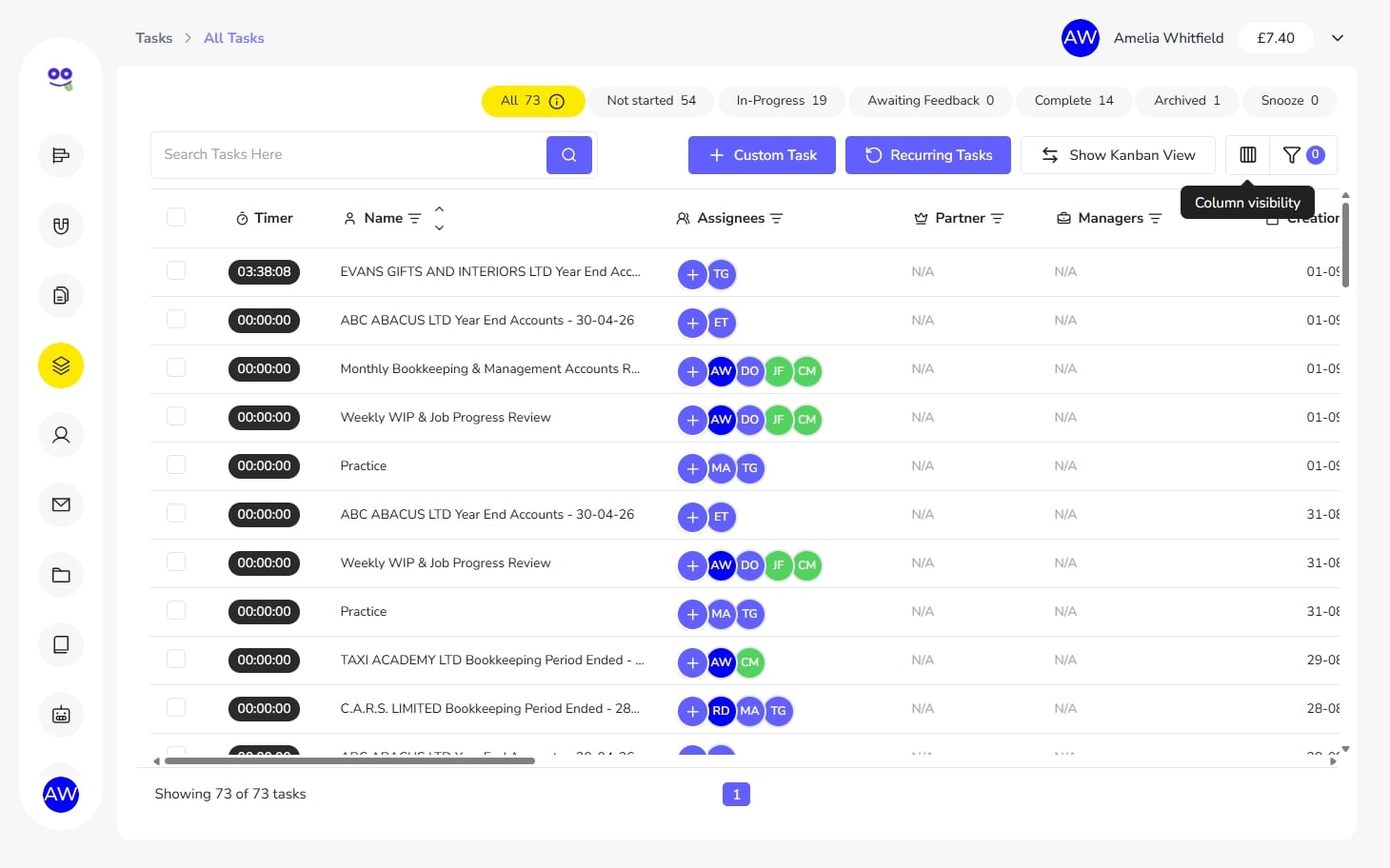
Custom Columns and Task List Views
Show or hide columns by group so each team sees the list it needs.
Snooze Tasks Until They Need Attention
Park work waiting on records and bring it back on the right date.
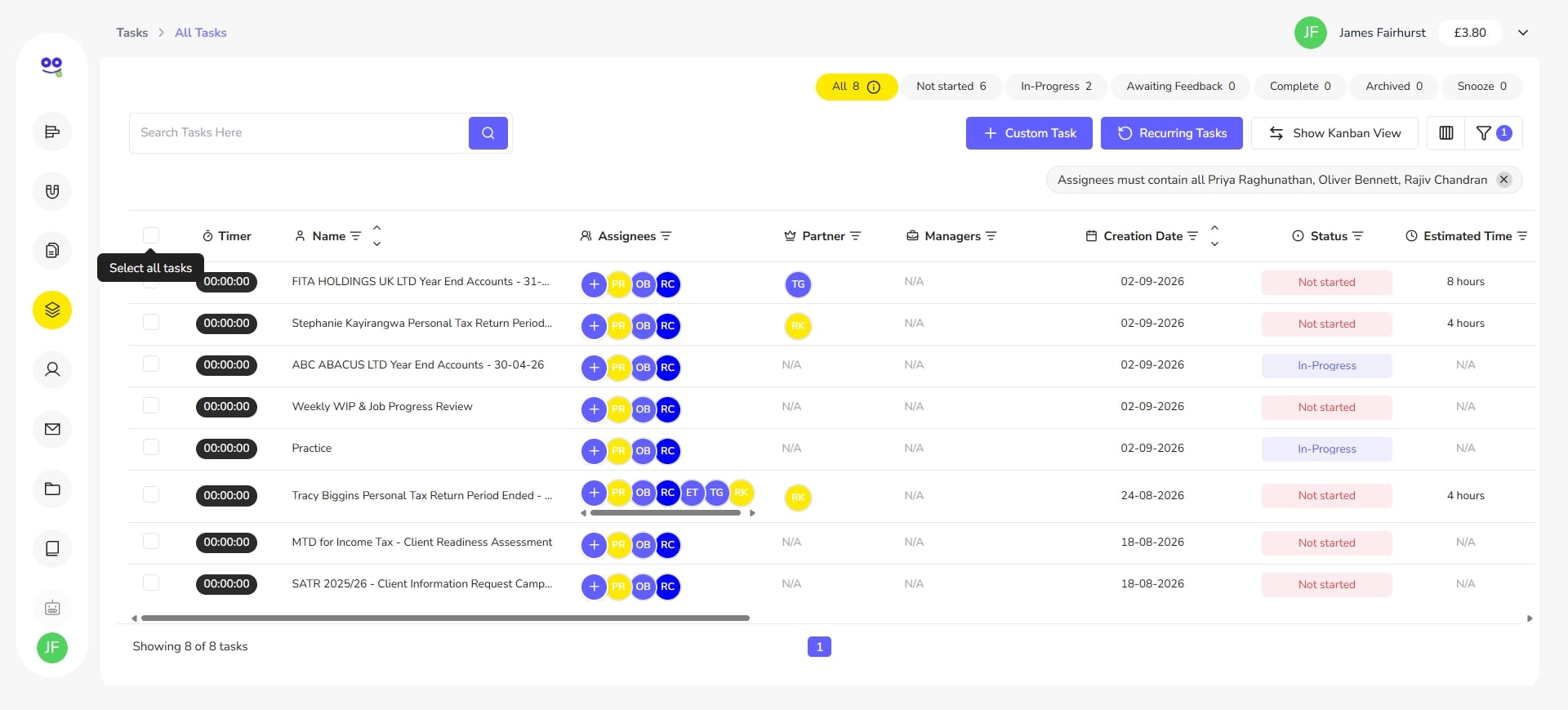
Bulk Actions, Archive and Delete
Assign, snooze, update or archive many tasks in one action.
Task management software built for accounting practices
Generic to-do apps were not designed around filing calendars, client records or chargeable time. Remindoo's task module is: every job is raised against a client and a service, carries an internal deadline and a statutory deadline, and collects the hours spent on it as the work happens.
That gives accountants, bookkeepers and tax professionals one honest picture of the firm's workload — what is due this week, who owns it, what is genuinely overdue, what is waiting on a client, and how long each type of job really takes. Recurring cycles rebuild themselves, checklists keep quality consistent, and bulk actions keep the list clean enough that people trust it.
A UK practice year runs on dates nobody controls: Self Assessment returns due online by 31 January, VAT returns under Making Tax Digital, payroll reported to HMRC under RTI, year-end accounts and Companies House filings, and a confirmation statement for every limited company. Making Tax Digital for Income Tax then adds volume, becoming mandatory from 6 April 2026 for qualifying income over £50,000 and from April 2027 for income over £30,000.
Explore the twelve capabilities below, each with screenshots of the real product, or see pricing with unlimited users.
Problems it solves
- Deadlines tracked in spreadsheets that nobody updates
- No clear owner for a job until a client chases
- Overdue lists full of work that is actually waiting on records
- Chargeable time reconstructed at the end of the month
- Every accountant following a slightly different process
How Remindoo runs a compliance deadline end to end
Every task feature at a glance
| Feature | What it does | Read more |
|---|---|---|
| Task creation and setup | Raise quick or detailed client tasks with deadlines, owners and billable status. | Create Client Tasks with Deadlines and Owners |
| Recurring tasks | Repeat compliance jobs automatically with a start date, frequency and ending rule. | Recurring Tasks for Accountancy Practices |
| Assigning staff and teams | Give every job a named owner, a team, or several teams at once. | Assign Work to Staff and Teams |
| Reassign tasks | Move a single job to a new owner without losing its history. | Reassign Client Work in Seconds |
| Bulk assign | Assign many tasks to one person or team in a single action. | Bulk Assign Tasks to Staff and Teams |
| Subtasks and checklists | Split a job into subtasks with deadlines, estimates and tick-off steps. | Subtasks and Checklists for Accounting Work |
| The task card | Hold comments, checklist, subtasks, timeline and assignment on one screen. | The Task Card: Comments, Checklists and Timeline |
| Task timer and time tracking | Record time on tasks and subtasks with a start/stop timer that stays visible. | Time Tracking on Tasks and Subtasks |
| Advanced filters | Combine filter conditions to isolate any slice of the workload. | Filter Tasks by Staff, Client Type and More |
| Custom columns and views | Control which columns the task list shows, grouped by type. | Custom Columns and Task List Views |
| Snooze tasks | Park work that cannot move yet and bring it back on a chosen date. | Snooze Tasks Until They Need Attention |
| Bulk actions and archive | Act on many tasks at once and archive finished work without deleting it. | Bulk Actions, Archive and Delete |
Built for compliance-driven practices
- Internal and statutory deadlines tracked side by side
- Recurring cycles with three ending options
- Timers, subtasks and checklists on every job
- Bulk assign, snooze and archive across the whole list
Frequently asked questions
What is task management software for accountants?
It is software that tracks client compliance work as tasks rather than as rows in a spreadsheet. Each job carries the client, the service, an internal deadline, a statutory deadline and a named owner, so a practice can see what is due, who has it and what is genuinely overdue.
How is it different from a general to-do app?
General to-do apps were not built around filing calendars, client records or chargeable time. Remindoo links every task to a client and a service, tracks two deadlines, repeats compliance cycles automatically and records time against the job, which a generic list cannot do.
Can Remindoo handle recurring compliance work?
Yes. Any task can be made recurring. You set the start date, choose how often it repeats and end it after a certain number of tasks, on a certain date, or never. Each period is created with the same client, service, owners and subtasks.
How do we see who is working on what?
Assign each task to an individual, several people, one team or several teams, then filter the task list by Assignees to see that person's workload. Because ownership is captured on the task, workload reporting is a by-product of doing the work.
Can we track time against client jobs?
Yes. Start a timer on any task or subtask and it keeps running in a floating Task Timer as you move around the task list. Stop it to save the time against the job, so chargeable work is captured as it happens.
What happens to work that is waiting on a client?
Snooze it to a future date. The task leaves the active list, sits under the Snooze filter and returns on the date you chose. That keeps the overdue count reserved for work that is genuinely late rather than blocked.
Is completed work deleted?
No. Finished tasks are archived, either individually or in bulk. Archived work moves out of the active list into the Archived filter and can be restored at any time, so the record survives while the live list stays clean.
How long does it take to set up?
Most practices start by creating their recurring compliance cycles and assigning owners, which can be done in a sitting. The 60-day free trial is designed for exactly that: load your clients, set the tasks running and see the workload before you commit.
Try Remindoo free for 60 days
Import your clients, automate your deadlines and see the difference before you pay anything.